
This quick guide introduces the use of pre-preparation, AC power supply and charging, car charger and FM tuning, installation in the car, power on and sleep, stylus, and use of SD/MMC memory card.
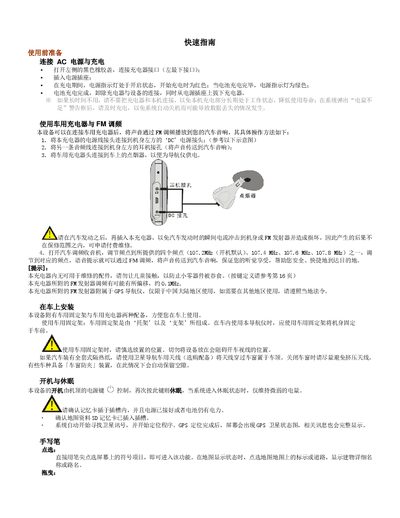
This guide explains how to prepare the device, connect the AC charger, and charge the battery safely. It also describes using the car charger with FM transmission, installing the unit with the provided car mount, and powering the device on or putting it to sleep.
The document then covers operating the navigation software, using the handwriting pen, SD/MMC card and USB interface, as well as key features such as map search, route planning and voice prompts. It finishes with troubleshooting steps, safety precautions, and a detailed list of interface definitions. This manual is written in Chinese.
| Display size | 3.5 inches |
|---|---|
| Display resolution | 320 x 240 RGB, 64K colors |
| Power input | DC IN connector for charger |
| USB port | High‑speed data transfer (optional) |