
Zebra Z4Mplus/Z6Mplus Industrial/Commercial Printer User Guide

Zebra® Z4Mplus/Z6Mplus™ Industrial/Commercial Printer User Guide is a product manual of Zebra Technologies.
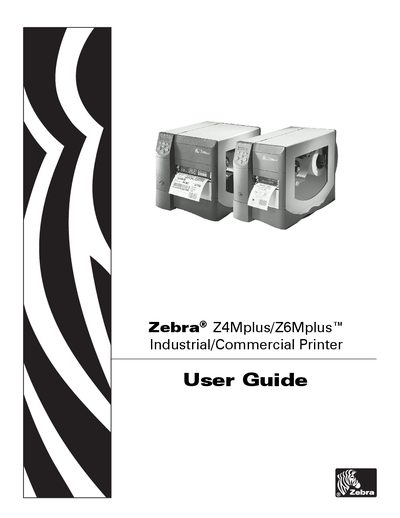

Zebra Z4Mplus/Z6Mplus Industrial/Commercial Printer User Guide - cover page
Brand
Zebra®
Category
Printer
Document type
User Manual
Language
English
Pages
142
File format
PDF
File size
3.7 MB
Published
28 March, 2012
Updated
30 September, 2023
Models
Z4M, Z6M
MD5 checksum
4EA4466C2AE9789A2C1F51A160D6EEA0

About this manual

This user guide provides step‑by‑step instructions for unpacking, installing, and configuring the Zebra Z4Mplus/Z6Mplus printer. It covers power connections, communication interfaces, media loading, and printer options.

The manual also details routine care, cleaning procedures, calibration, and troubleshooting tips, along with specifications for media, ribbons, and power cords.

What's inside

  • Printer Setup
  • Printer Operation
  • Configuration
  • Routine Care and Adjustments
  • Troubleshooting
  • Data Connections
  • Specifications
  • Contacts
  • Preface

Frequently asked questions

How do I clean the exterior of the printer?

Clean the exterior as described in the cleaning procedures section.

How can I perform auto calibration?

Use the Auto Calibration function listed under printer calibration steps.

How do I replace the fuse?

Follow the Fuse Replacement instructions in the routine care chapter.

Download PDF (3.7 MB)