
Artisan 710 Series Quick Guide provides basic knowledge on using the Artisan 710 Series printer, including using the control panel, adjusting the control panel, charging USB devices, loading paper, using special papers, placing originals for copying or scanning, copying a document or photo, printing from your camera's memory card, inserting a USB flash drive, selecting and printing photos, and printing special projects.
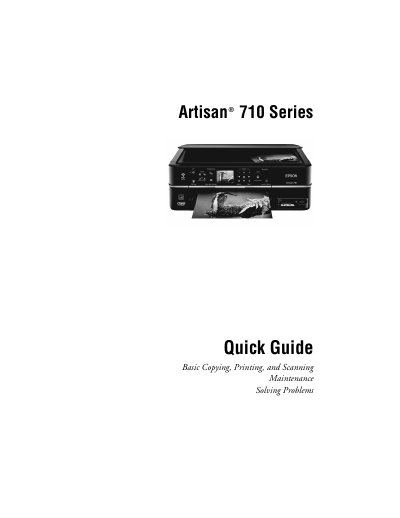
This Quick Guide covers the essential functions of the Artisan 710 Series all‑in‑one printer, including how to use the control panel, load paper, charge USB devices, and perform basic copying, printing, and scanning tasks. It also outlines maintenance steps such as checking print‑head nozzles and replacing ink cartridges.
Additional sections explain network status icons, two‑sided printing, special paper handling, and troubleshooting tips. Safety cautions are included for adjusting the control panel and charging USB devices, and a brief note points users to the Epson Information Center for more detailed specifications.
| Main tray capacity (letter/A4) | up to 120 sheets |
|---|---|
| Main tray capacity (legal) | up to 50 sheets |
| Photo tray capacity | up to 20 sheets (4×6 or 5×7) |
| USB charging current limit | 500 mA |
| LCD auto‑off timeout | 13 minutes of inactivity |
The main tray can hold up to 120 sheets of letter‑size or A4 paper, or up to 50 legal‑size sheets when extended.
To raise it, lift the panel; to lower it, press the Unlock button and push the panel down.