
This document provides a quick guide for the Artisan 810 series printer, covering basic copying, printing, scanning, and faxing operations, as well as maintenance and troubleshooting.
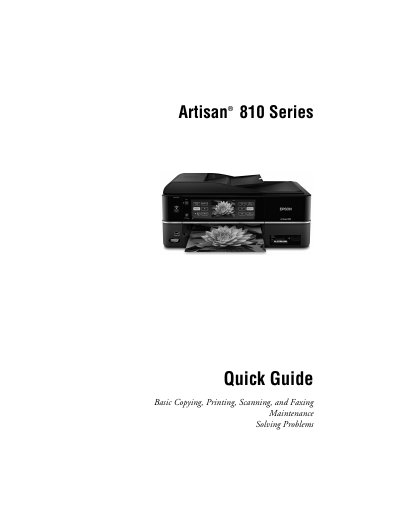
This Quick Guide covers the essential functions of the Epson Artisan 810 Series all‑in‑one printer, including copying, printing, scanning, faxing, and basic maintenance. It explains how to use the control panel and touch panel, load paper, charge USB devices, and perform common tasks.
The guide also details paper‑tray capacities, USB charging limits, status‑light indications, and troubleshooting steps. It includes quick references for loading paper, charging devices, and checking ink cartridge status, helping users get the most out of the device with minimal setup time.
| Photo tray capacity | 20 sheets of 4×6 or 5×7 photo paper |
|---|---|
| USB charging current limit | 500 mA maximum |