
This is a quick reference guide for the Xerox Phaser 8400 color laser printer. The guide provides an overview of the printer's basic features and operations.
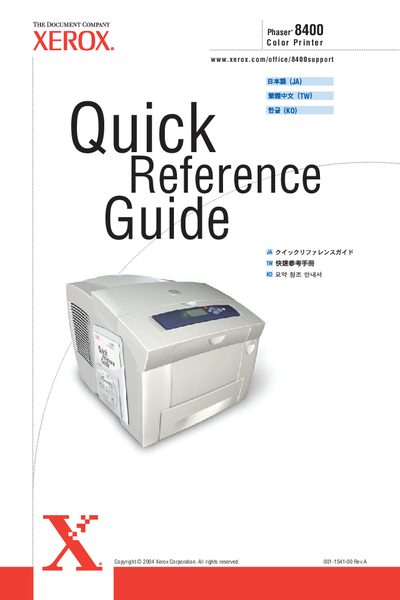
The guide covers essential operations for the Xerox 8400 printer, including supported paper types and sizes, basic printing procedures, and how to adjust paper guides. It also explains the front‑panel buttons, information pages, and how to change printer settings using the Xerox driver.
Additional sections describe print‑quality troubleshooting, paper‑jam removal, and where to obtain further software, drivers, and support resources via the Xerox support website.
| Supported paper weight | 60‑122 g/m² |
|---|---|
| Supported paper size (Legal) | 8.5 x 13 in |
Print the "Print‑Quality Troubleshooting Page" via the Print‑Quality Problems menu or visit the Xerox support website for online help.