
This document is the user guide for the Phaser® 7500 color printer, describing the features and characteristics of the printer.
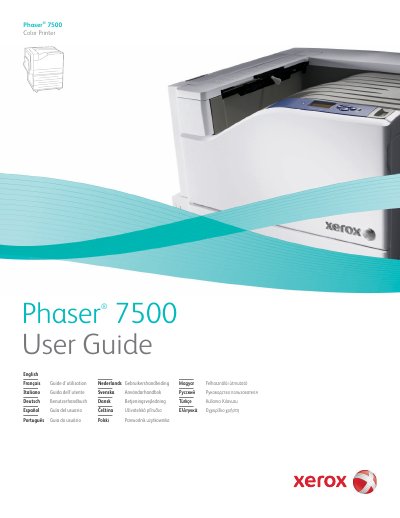
This guide covers everything needed to install and use the Xerox Phaser 7500 color printer, including safety precautions, network configuration, driver installation, and media handling. Detailed chapters walk you through connecting via Ethernet or USB, setting IP addresses, and using Xerox CentreWare tools.
Maintenance and troubleshooting sections describe how to clean the printer, replace consumables, resolve paper jams, and address print‑quality or hardware issues. Specification tables list physical dimensions, environmental limits, and performance data to help you plan placement and usage.
| Width (Base Unit) | 640 mm (25.2 in.) |
|---|---|
| Depth (Base Unit) | 665 mm (26.2 in.) |
| Height (Base Unit) | 399 mm (15.7 in.) |
| Weight (Base Unit) | 66 kg (145.2 lb.) |
| Operating Temperature | 10° to 32° C / 50° to 90° F |
| Operating Relative Humidity | 10% to 85% (non‑condensing) |
Use the printer’s control panel to select the network settings and choose the option to manually set the IP address.