
This manual introduces basic operations of the MOTOROLA ATRIX™4G smartphone.
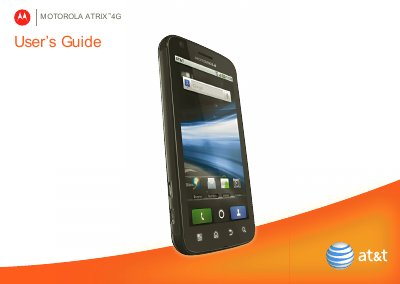
This user guide provides comprehensive instructions for the Motorola ATRIX 4G smartphone. It covers initial device setup including MOTOBLUR account creation, basic operations for making and receiving calls, managing contacts and messages, and using entertainment features such as the camera and Webtop application. The guide also includes safety information, regulatory details, and troubleshooting assistance for users. This manual is written in Chinese.
Press and hold the Power key on top of the phone to turn it on.
When you first turn on the phone, you need to create or log into your MOTOBLUR account by entering your name, email address, and a new password.