
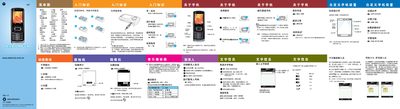
This manual explains how to install the SIM card, memory card, and battery, power the device on and off, and navigate the main menu. It also covers emergency number setup and status indicators.
The guide details the phone’s features such as camera operation, media playback, messaging, contacts, gesture controls, and input methods, along with tips for sending photos, videos, and messages via Bluetooth or email. This manual is written in Chinese.
| Camera resolution | 1200 x 1600 pixels |
|---|
Open the Camera app, select Photo mode, and press the capture key to take a picture.
After taking the photo, choose the option to send the image and select Bluetooth as the transfer method.