
This document is an operating instruction for Muratec's F-160 plain-paper fax machines
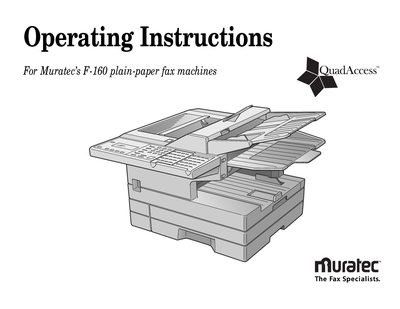
This manual provides step‑by‑step instructions for setting up, operating, and maintaining the Muratec F‑160 fax machine. It covers everything from initial installation and key programming to advanced features such as security settings and batch transmission.
The guide also includes troubleshooting tips, cleaning procedures, and a full list of specifications and regulatory information to help users keep the device running reliably.
Select the desired program (e.g., Program A) and press Enter to assign the key.
Use Program B followed by the number and press Enter to store the speed‑dial entry.
Enter Program Q and then press Enter to reset the printer option.