
This manual introduces the safe use precautions of the phone, including flammable and explosive areas, mobile phone use safety, battery/charger use safety, etc.
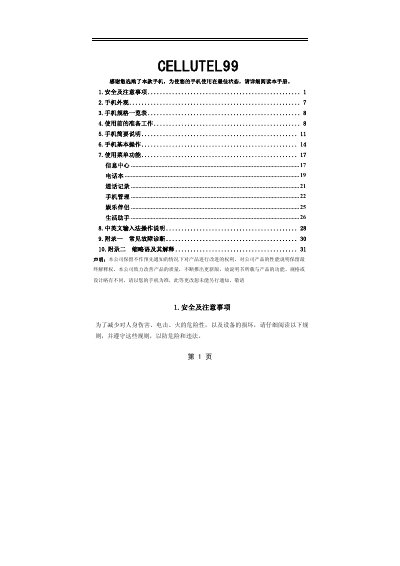
This manual guides users of the CELLUTEL99 flip‑style phone through safe handling, preparation, and basic operation. It includes safety warnings, device dimensions, battery handling, and environmental precautions.
The guide details how to install the SIM card, use the keypad and menu, manage contacts, make calls, use entertainment features, and troubleshoot common issues. Appendices cover fault diagnosis and acronym explanations. This manual is written in Chinese.
| Dimensions | 91 × 48 × 22 mm |
|---|---|
| Weight | ≈101 g (with standard battery) |
| Main screen | 2.0‑inch TFT, 176 × 220 px |
| SIM card type | 3V micro‑SIM |
| Network | GSM 900 / DCS 1800 dual‑band |
| Phonebook capacity | ≈300 entries |
| Supported features | EMS/STK, vibration motor, backlight, 64‑tone ringtones |
Turn off the phone, open the back cover, place the SIM with the metal contacts down and the cut corner up into the slot, then press it in until it stops. Re‑insert the battery and close the cover.
Maintain at least 15 cm (about 6 inches) between the phone and a pacemaker to avoid interference.