
This is a CELLUTEL6 mobile phone user manual, which mainly introduces the safety use, appearance, specifications, pre-use preparations, brief description of the mobile phone, basic operation of the mobile phone, use of menu functions, multimedia, entertainment, tools, system and other content
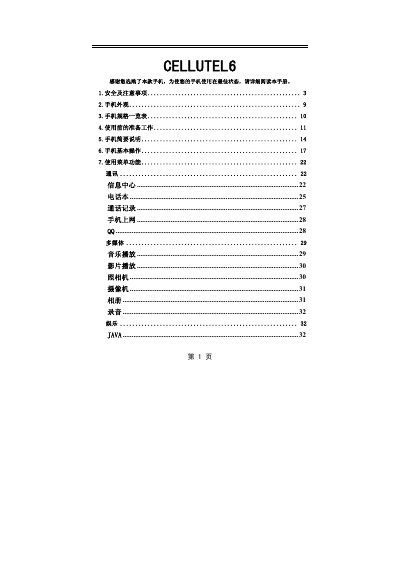
This manual begins with safety and precaution instructions, covering prohibited use in explosive areas, proper handling of the battery and charger, and guidelines for use around medical equipment. It then describes the phone’s appearance, hardware layout, and the full list of menu functions such as calls, messaging, multimedia, and connectivity.
The specification section lists dimensions, weight, screen type, camera resolution, SIM type, network bands, and supported accessories. Appendices include troubleshooting for common issues like dark photos, Bluetooth headset pairing problems, and a glossary of abbreviations. This manual is written in Chinese.
| Dimensions | 112×50×16 mm |
|---|---|
| Weight | ≈94 g |
| Main screen | TFT, 176×220 pixels |
| Camera resolution | 1.3 MP |
| SIM card type | 3V mini‑SIM |
| Network | GSM 900 / DCS 1800 dual‑band |
| External storage | T‑Flash card supported |
Open the system menu, go to Settings, and select Touchscreen Calibration to adjust the screen parameters.