
This document is the user manual for ASUS T20, released by ASUS. It introduces the appearance, installation of SIM card and battery, charging, installation and removal of Micro-SD card, power on and power off, screen lock and unlock, use of touch screen, input of text, basic settings of the phone, etc.
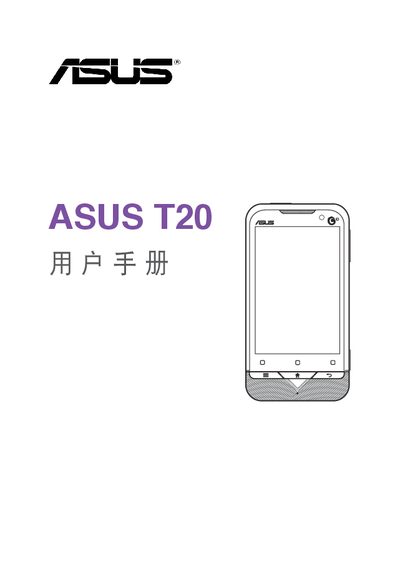
This manual covers the initial setup of the ASUS T20, including SIM card installation, Micro‑SD card handling, Wi‑Fi and network configuration, and basic device settings. It also details the phone’s hardware specifications such as display, camera, memory, and battery.
Further sections explain how to use messaging, multimedia, notification functions, and other advanced features while emphasizing safety precautions, proper handling, and authorized service procedures. This manual is written in Chinese.
| Display | 3.2 inch 320 x 480 HVGA TFT LCD |
|---|---|
| Camera | 5 MP EDoF |
| ROM | 512 MB |
| RAM | 512 MB |
| Micro‑SD support | Up to 32 GB |
| Wi‑Fi | 802.11b/g/n |
| Battery | 1500 mAh |
| Processor | Marvell PXA920 806 MHz |
| Network (TD‑SCDMA/HSPA) | HSDPA 2.8 Mbps |
Insert the SIM card according to the instructions in Chapter 1, which starts on page 13.
Enable the WLAN function in the settings menu and follow the on‑screen prompts to select and join a Wi‑Fi network.
The phone supports Micro‑SD cards up to 32 GB.