
This document introduces the safety information of GIGA-BYTE COMMUNICATIONS INC. mobile phones, including the use of batteries and chargers, and the use environment of mobile phones.
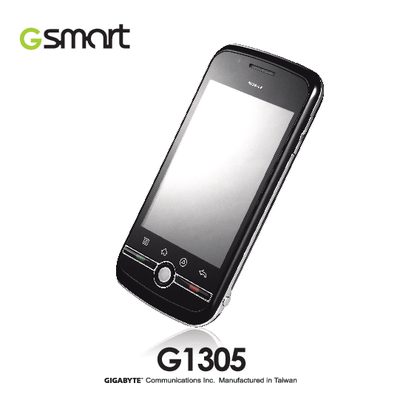
This manual provides safety information, general usage guidelines, and step‑by‑step instructions for operating the G1305 smartphone. It covers topics such as battery handling, SIM and memory card installation, phone settings, and security features.
The document also lists the technical specifications of the device, including hardware details, radio bands, connectivity options, and environmental limits, helping users understand the phone’s capabilities and compliance information.
| Operating System | Android 1.6 |
|---|---|
| Processor | Qualcomm MSM? 227 |
| ROM | 512 MB |
| RAM | 256 MB |
| Weight | 118 g (with battery) |
| Battery | 1230 mAh Li‑ion |
| Talk time | Up to 6.5 hours |
| Standby time | Up to 600 hours |
| GPS | GPS / AGPS |
| Bluetooth | 2.0 |
| Audio jack | 3.5 mm stereo |
| Camera | 5.0 MP with flash LED |
| Memory card slot | Micro‑SD |
| Operating temperature | ~18 °C to 55 °C |
| Storage temperature | -20 °C to 70 °C |
Open the Settings app, go to Security & location, select the SIM card lock tab, tap “Lock SIM card to use PIN”, then enable or disable the option and enter the current PIN as prompted.
Open Settings, choose SD card / phone storage, tap “Factory data reset”, then confirm by tapping “Reset phone”.