
This document contains safety information for using the phone, including using the battery, power adapter, storing the phone, etc.
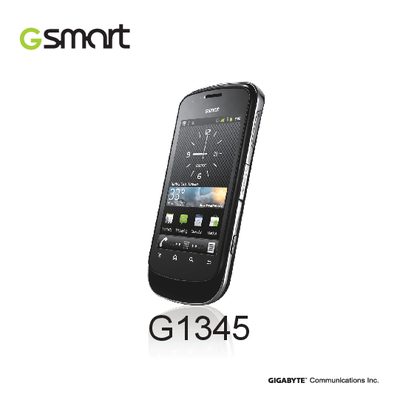
This manual begins with safety information and general usage rules for the G1345, covering battery handling, environmental precautions, and legal warnings such as restrictions on use in aircraft and hazardous areas. It also explains how to protect the device from damage and how to properly clean and maintain it.
The later sections guide you through getting started, phone functions, email, internet, multimedia apps, and system settings. Detailed specifications, connectivity options, and instructions for managing security, resetting, and customizing the device are included, making it a complete reference for everyday use of the Gigabyte G1345 smartphone.
| Platform | Android 2.3 |
|---|---|
| Processor | Qualcomm 7227-1 at 800 MHz |
| Memory (ROM) | 512 MB |
| RAM | 512 MB |
| Display Size | 3.5 inches |
| Resolution | 320 × 480 HVGA |
| Dimensions | 120 × 62.5 × 13.9 mm |
| Weight | 123.3 g with battery |
| Battery | Li‑ion 1500 mAh rechargeable |
| Standby time | Up to 115 hours |
| Talk time | Up to 4.5 hours |
| Radio bands | GSM/GPRS/EDGE 850/900/1800/1900 MHz, WCDMA/HSDPA 900/2100 MHz |
| Connectivity | GPS/AGPS, Wi‑Fi 802.11 b/g, Bluetooth 2.1 + EDR, Micro‑USB |
| Camera | 5.0 MP rear camera with AF and video recording |
| External memory | MicroSD up to 32 GB |
Open Settings → Privacy, tap Factory data reset, then choose Reset phone and Erase everything to restore the device to its original state.
Yes, the device must be switched off before inserting or removing a SIM card.