
HUAWEI C5300 CDMA 1X Digital Mobile Phone User Manual, introduces the basic functions and usage methods of the phone, including installing the battery, installing the UIM card, turning on and off the phone, using the function list, dialing, answering, entering text, short messages, phone books, alarm clocks, security, cameras, radios, and data services
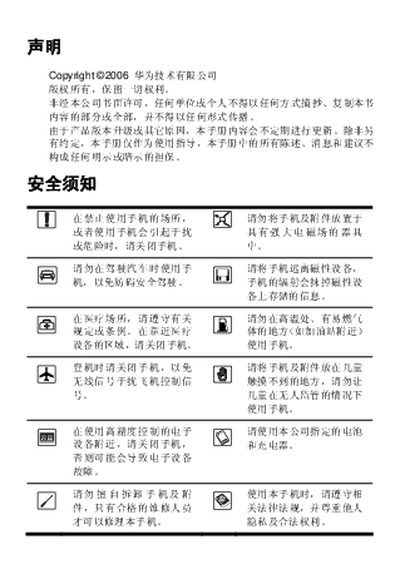
This manual provides instructions for using the Huawei C5300 CDMA 1X phone, including safety notices, key functions, and menu navigation. It explains how to install the battery and UIM, make and receive calls, send messages, and use the camera and data/fax features.
Additional sections cover battery handling, charger requirements, SAR radiation limits, and basic troubleshooting steps. The document also includes symbols and conventions used throughout the guide to help users identify important warnings and notes. This manual is written in Chinese.
| Maximum SAR (head) limit | 2.0 W/kg per 10g |
|---|
Immediately remove the battery and stop using it to avoid overheating or explosion.
Only chargers approved by the phone manufacturer should be used; using an incorrect charger may cause faults or explosion.
The recommended SAR limit is 2.0 W/kg per 10 g of tissue.
Press and hold a key for about 2–3 seconds, then release.