
The document contains repeated information about the website and date of the digital manual home.
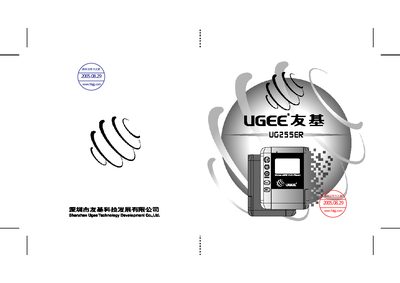
This manual explains how to use the UGEE UG255ER digital voice recorder, covering the main menus such as File, Record, FM Radio, Language, and System. It describes the functions of each menu item, how to record, play back, erase files, and adjust settings like language and recording quality.
Additional sections cover memory management, firmware upgrade procedures, and battery information. The guide is organized with step‑by‑step instructions and menu screenshots to help users operate the device efficiently.
| External memory free | 6 MB |
|---|
Select the file in the File menu and choose the Erase option.
Open the System menu, select Language, and choose the desired language.
Use the Upgrade option in the System menu to start the firmware update process.