
Key facts
- Manuals
- 2
- Languages
- ZH
- Last added
- 2012-03-27
Featured UGEE manuals
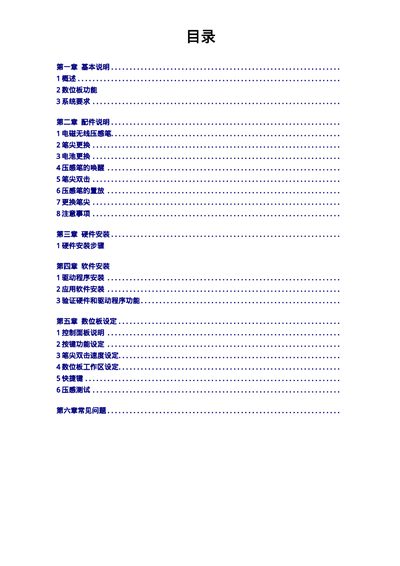
UGEE Digit Board User Manual
This manual explains how to install the hardware, connect the USB cable, and install the driver software on supported Windows operating systems. It also describes how to replace the pen tip and battery, wake the pen from sleep, and configure button functions and pressure sensitivity.
The later sections cover software installation steps, pressure‑sensitivity testing, and a FAQ that helps you update drivers or resolve common issues such as a non‑responsive tablet. This manual is written in Chinese.
Covers: Basic Description · Accessories · Hardware Installation · Software Installation · Digit Board Settings · System Requirements
Latest UGEE manuals
UGEE UG255ER Manual
The document contains repeated information about the website and date of the digital manual home.
UGEE Digit Board User Manual
User Manual 20 pages · 1.8 MB · ZHThe UGEE Digit Board User Manual provides hardware installation, driver setup, configuration, and troubleshooting instructions for the graphics tablet.
Which document do I need?
User Manual
Day-to-day operation, settings and troubleshooting. Start here if the product is already set up.