
This manual explains how to use the FOMA SH903iTV.
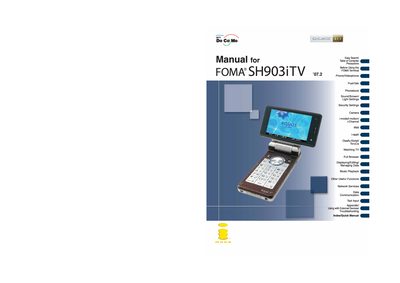
This manual explains how to set up and safely use the DoCoMo SH903iTV (FOMA) terminal. It covers initial steps such as attaching the battery, charging, power‑on procedures, and basic navigation of menus and icons. Safety precautions and handling guidelines are included to help avoid damage and ensure reliable operation.
The guide details the phone’s main functions, including voice and videophone calls, camera operation, TV (One‑Seg) viewing, alarm settings, data security services, QR‑code scanning, and software updates. An Easy Search feature and an index help users quickly locate specific functions.
No. The terminal cannot be used in places with no signal such as tunnels, underground, or in buildings.
Keep a separate memo and note the information stored; DoCoMo is not liable for any loss of content.
Select the Alarm function from the menu and follow the steps shown under "Setting the alarm".