
This manual describes how to use the FOMA SH904i.
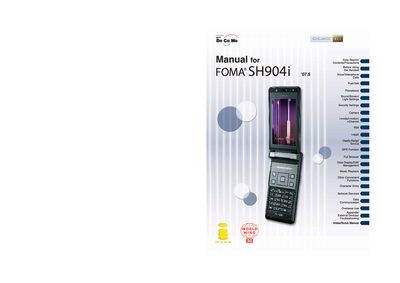
This manual guides users through the safe handling, initial setup, and basic operation of the DoCoMo SH904i FOMA terminal. It includes safety precautions, battery installation, power management, and language selection to ensure reliable use.
The guide also details the phone’s many functions such as making calls, using videophone, camera and QR‑code features, PushTalk messaging, security and lock settings, LED/display customization, and troubleshooting tips. An appendix lists external devices and provides a quick reference index.
The terminal cannot be used in places with no signal, such as tunnels, underground, or in buildings.
Keep a separate memo and note information stored in the terminal; DoCoMo is not liable for loss of content.
The SSL certificates are issued by VeriSign Japan K.K., Cybertrust Japan, GeoTrust Japan, RSA Security Japan, and Secom Trust Systems.