
This document provides the operation instructions and precautions for a product that supports network downloading and online viewing. The product supports various video, music, and image formats, and features high-definition decoding and multiple interfaces.
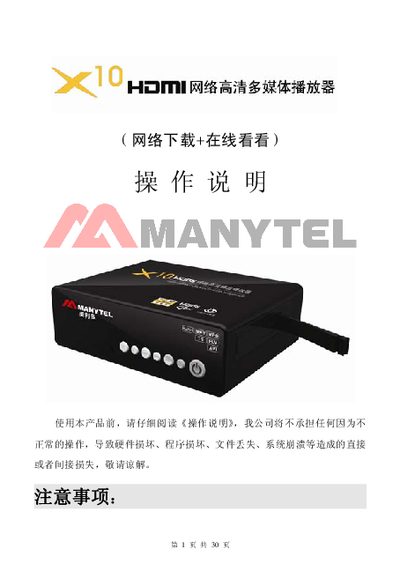
This manual provides safety guidelines and installation steps for the HDMI Net multimedia player, including warnings about moisture, power supply, and proper handling. It describes the front and rear panel connectors such as Ethernet, HDMI, USB, coaxial and optical audio ports, and explains how to connect power and external devices.
The guide also details remote‑control functions, menu navigation, language selection, video and audio format support, and network configuration (DHCP, static IP). Troubleshooting tips and package contents are listed at the end. This manual is written in Chinese.
| Network Interface | 10M/100M RJ45 Ethernet |
|---|---|
| Video Output | HDMI 720p / 1080p |
| USB Interface | USB 2.0 high‑speed, supports FAT32 and NTFS |
| Power Supply | 12 V / 2.5 A |
The player includes a 10M/100M RJ45 Ethernet port for wired network connections.
The interface language can be set to Simplified Chinese, Traditional Chinese, or English through the menu settings.
Connect a 5.1 sound system to the coaxial (COAXIAL) or optical (OPTICAL) audio outputs to get 5.1 channel audio.
The player supports a 3‑in‑1 card slot for SD, MMC, and TF (micro‑SD) cards.