
This is a digital music player that supports MP1, MP2, MP3, WMA, WMV, ASF, WAV, etc. It has a beautiful appearance design, supports multiple audio and video formats, firmware upgrade function, FM stereo radio, electronic documents, free drive U disk function, "Otherspace" disk mode, recording/rereading, 7 sound equalizers, multiple playback modes, and timing shutdown.
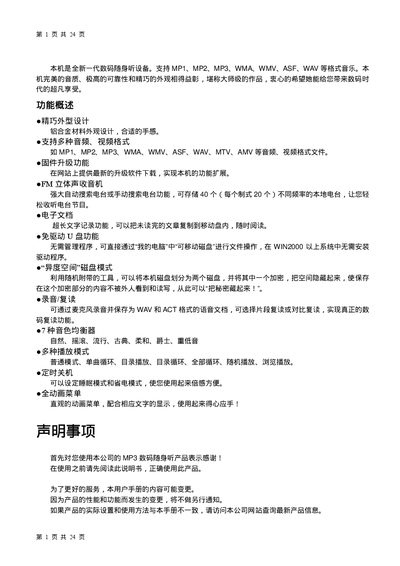
The MP3 player is a compact portable audio device that supports a wide range of audio and video formats such as MP1, MP2, MP3, WMA, WMV, ASF, WAV, MTV and AMV. It offers functions like stereo playback, equalizer presets, lyric (LRC) synchronization, USB file transfer, and a built‑in FM receiver.
The manual describes how to operate the device, adjust volume, switch playback modes, use the EQ presets, manage playlists, and connect headphones. Technical specifications are listed at the end, covering display size, memory, battery life, audio output and supported operating systems. This manual is written in Chinese.
| Display | 1.2‑inch OLED, 96 × 64 pixels |
|---|---|
| USB Interface | USB 1.1, up to 1 MB/s read, 800 KB/s write |
| Memory | 128 – 256 MB internal flash |
| Playback Time | Approximately 10 hours of audio |
| Sample Rate | 8 kHz |
| Earphone Output | 10 mW per channel into 32 Ω |
| MP3 Bitrate | 8 kbps – 320 kbps |
| Frequency Response | 20 Hz – 20 kHz |
| Signal‑to‑Noise Ratio | 85 dB |
| Operating Temperature | -5 °C to 40 °C |
Press the VOL button; the Next key increases volume and the Last key decreases volume.
The device can store up to 99 audio files.
Place an LRC file with the same name as the audio file; the player will display synchronized lyrics during playback.