
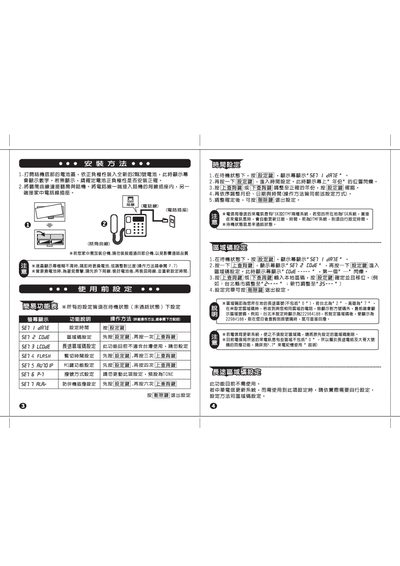
This manual explains how to replace the battery, configure the date and time, and manage stored call records on the telephone. It includes step‑by‑step procedures and safety notes for each operation.
Additional sections cover incoming call handling, M1 function settings, and cleaning/maintenance tips to keep the device in good working order. This manual is written in Chinese.
| Battery type | 2‑cell 3 V battery |
|---|
Open the bottom of the handset, insert a new 2‑cell 3 V battery respecting the polarity, and confirm the battery is installed correctly.
The device can store up to 10 groups of call records.
Use a soft, dry cloth; avoid chemicals. If the battery compartment is opened, replace the battery fluid as instructed.