
Key facts
- Manuals
- 4
- Categories
- 1
- Languages
- ZH
- Last added
- 2012-03-26
Featured 电话 manuals
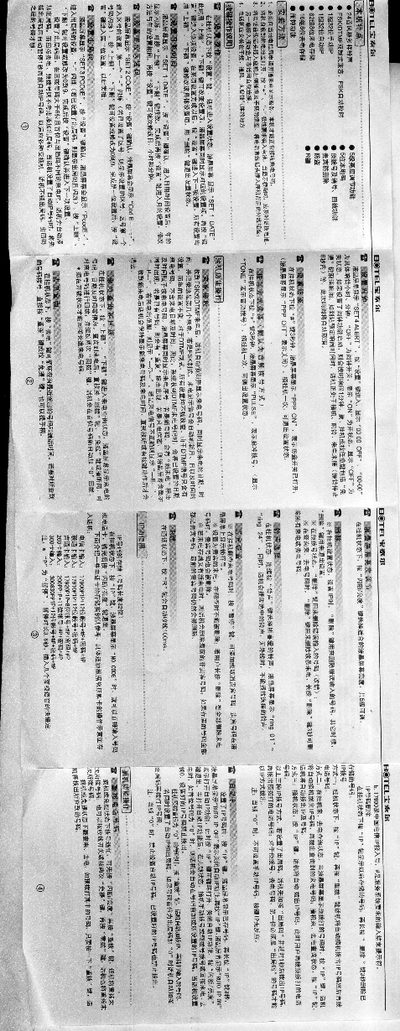
B@TEL Telephone User Manual
The B@TEL telephone manual provides step‑by‑step instructions for basic operation, including how to power the device, insert batteries, and connect the handset and line. It describes the LCD menu system and the functions of each key, such as SET, IP, and 1P.
Detailed sections cover setting date and time, configuring area codes, outgoing codes, automatic 1P dialing, VIP numbers, and how to manage incoming and outgoing call logs. The guide also explains special dialing modes like audio and pulse dialing, as well as how to enable or disable the anti‑tamper switch. This manual is written in Chinese.
Covers: Date and Time Settings (SET1 DATE) · Area Code Settings (SET2 CODE) · Outgoing Code Settings (SET3 CODE) · Automatic 1P Function · VIP Number Management · Incoming Call Query
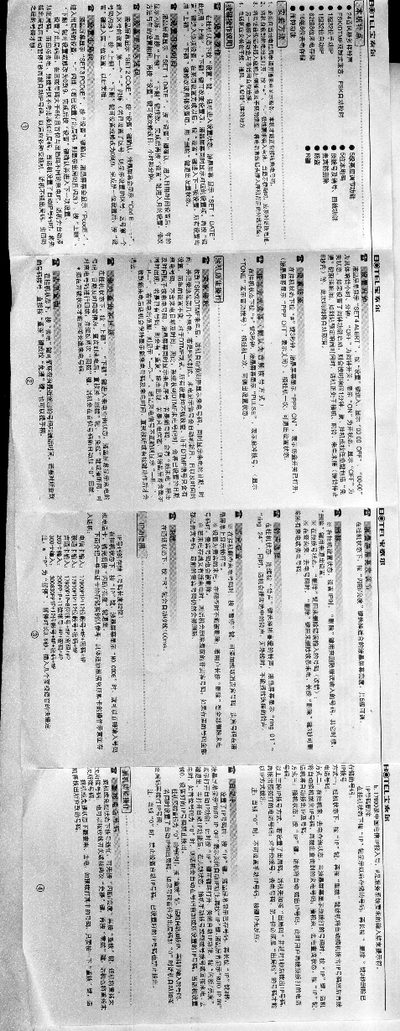
B@TEL Telephone User Manual
This manual explains how to set up the telephone, adjust the LCD screen brightness, and configure date/time, area code, and outgoing code settings. It also describes how to store, delete, and manage incoming and outgoing numbers, including special handling for VIP and protected numbers.
Additional sections cover dialing methods such as pulse, audio, and automatic 1P dialing, as well as how to use the call‑back, pre‑dial, and call‑log functions. Safety and installation notes are provided for proper placement and battery replacement. This manual is written in Chinese.
Covers: Setup and Settings · Date/Time and Code Configuration · Number Storage and Management · Dialing Methods · Call Log and Call‑Back Functions
Latest 电话 manuals
telephone Manual(3)
telephone Manual(2)
B@TEL Telephone User Manual
User Manual 1 pages · 139 KB · ZHThis manual explains how to set up, configure, and operate the B@TEL telephone, covering dialing, address‑book storage, and various settings.
B@TEL Telephone User Manual
User Manual 1 pages · 139 KB · ZHThe B@TEL telephone user manual provides step‑by‑step instructions for setup, dialing, and configuring the device’s features.
Which document do I need?
User Manual
Day-to-day operation, settings and troubleshooting. Start here if the product is already set up.
Questions answered in 电话 manuals
How can I enable automatic 1P dialing?
Enter the automatic 1P menu by pressing the SET key, then toggle the function on or off; the LCD will show “RUTO_IP ON” when enabled and “RUTO_IP OFF” when disabled.
How can I enable or disable the automatic 1P dialing feature?
In idle state, press the “IP” key for 3 seconds; the screen will show “RUTO_IP ON” to enable or “RUTO_IP OFF” to disable automatic 1P dialing.