
This is the user manual of the Fuji digital camera FinePix J10 / FinePix J12, which introduces the camera's usage methods, settings, connections, software installation, etc.
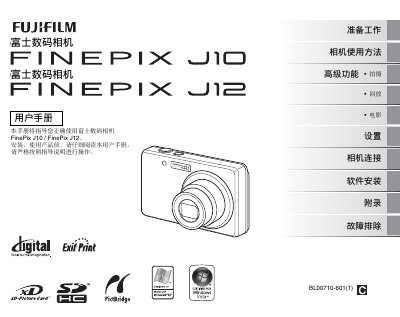
This manual guides users through preparing the camera, inserting batteries and storage cards, and configuring basic settings such as language, date, and shooting modes. Detailed instructions cover advanced functions like macro shooting, flash control, exposure compensation, white‑balance adjustment, continuous shooting, and movie recording.
It also explains how to connect the camera to a computer, install the FinePixViewer software on Windows or Mac OS X, and use the provided accessories such as the BC‑45A charger, USB cable, and hand strap. The appendix includes a glossary, technical specifications, and a troubleshooting section to help resolve common issues. This manual is written in Chinese.
| Battery type | NP‑45 rechargeable battery |
|---|---|
| Included charger | BC‑45A battery charger |