
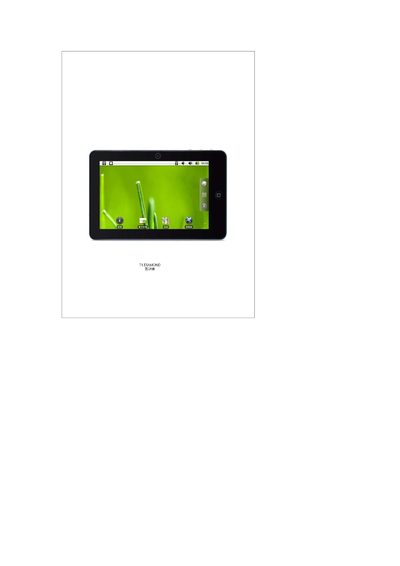
This manual covers safety guidelines, battery handling, and charging procedures for the DIAMOND device. It explains how to use the built‑in T‑Flash (SD) card, connect the device via USB or HDMI, and use the USB Host function for external peripherals.
The document also describes the main interface, task‑bar features, and camera functions, including how to access photo and video playback modes. Detailed steps for configuring Wi‑Fi, adjusting system settings, and managing applications are included. This manual is written in Chinese.
| Battery capacity | 2500 mAh |
|---|---|
| Battery voltage | 9.0 V |
| Typical usage time | 3‑4 hours |
| Supported T‑Flash capacity | Up to 32 GB |
The device can operate for about 3 to 4 hours depending on the functions used.
The device supports T‑Flash (SD) cards up to 32 GB.
Connect the device with a USB cable, select “USB connection” from the menu, and open “USB storage device” to access the internal storage like a flash drive.
Connect an HDMI cable, go to Settings → Display → HDMI Interface, and enable HDMI output, choosing YCbCr or RGB mode as needed.