
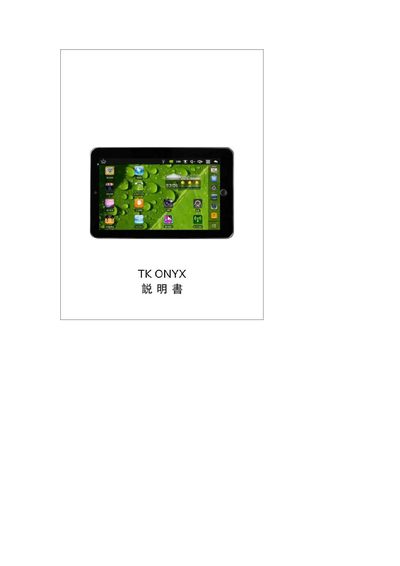
This manual explains how to operate the TK ONYX device, covering power button functions, USB and SD card connections, Wi‑Fi setup, and battery charging procedures. It also details email configuration, media playback formats, and date‑time settings.
Additional sections include a FAQ that answers common questions about charging time, supported storage capacity, audio/video formats, and YouTube playback capability. This manual is written in Japanese.
| Maximum SD card capacity | 32 GB |
|---|---|
| Battery charging time (first use) | At least 4 hours |
| Charging indicator (charging) | Red |
| Charging indicator (full) | Green |
| Supported audio formats | MP2, MP3, WAV, AAC, WMA |
| Supported image formats | JPG, JPEG, BMP, PNG |
The battery needs to be charged for at least 4 hours before first use; you can also charge while using the power adapter, but not via USB.
The device supports SD cards up to 32 GB.
It can play MP2, MP3, WAV, AAC and WMA audio files.
Yes, the device can play YouTube videos via the built‑in YouTube application.