
This document is about the DC1500N Video & Photo Software, including the Electromagnetic Compatibility Notice, caution, precautions, battery information, camera features, system requirements, package contents, nomenclature, installing batteries, low battery warning, preparing to take photos, turning camera on/off, selecting resolution, selecting AC mains frequency, taking a photo, other capture modes, continuous mode, self-timer mode, erasing photos, connecting camera to PC, installing Arcsoft programs and camera drivers, downloading photos using PhotoStudio, downloading photos taken in continuous mode as a video, recording videos directly to the computer using PCCam, using PhotoPrinter, using PhotoFantasy, additional information, opening the user's manual, installing Acrobat Reader, uninstalling Arcsoft programs, product specifications, frequently asked questions, trademark acknowledgements, responsible party.
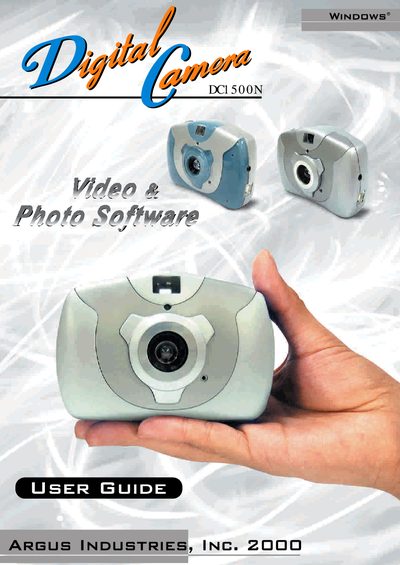
This manual explains how to install batteries, select resolution and AC mains frequency, and operate the camera to take photos in various modes. It also covers connecting the camera to a PC, installing drivers, and downloading or recording images and videos.
Precautions for safe use, battery recommendations, and FCC compliance are detailed, along with a FAQ section that answers common questions about water resistance, battery type, and photo limits.
| Image resolution (high) | 352 x 288 pixels (CIF) |
|---|---|
| Image resolution (low) | 176 x 144 pixels (QCIF) |
| Internal memory | 2 MB SDRAM (holds 20 photos at CIF, 80 photos at QCIF) |
| Battery type | 3 × AAA alkaline (4.5 V) |
| Auto power‑off timer | 30 seconds of inactivity |
| USB port | Standard USB for PC connection |
No, the camera is not water‑resistant and should not be used outdoors in rain or snow.
Alkaline AAA batteries are recommended because they last longer and perform better than other ordinary batteries.
Up to 20 photos at 352 × 288 pixels or 80 photos at 176 × 144 pixels can be stored in the internal memory.