
Introduces the characteristics of GA-7N400E motherboard, including the supported AGP card types, PCI device installation precautions, Dual BIOS stickers
This guide provides step‑by‑step instructions for installing the GA-7N400E motherboard, including CPU, memory, expansion cards, and power connections. It also explains BIOS setup options and how to update the BIOS.
Safety warnings, static‑electricity precautions, and a checklist of supplied accessories are included to help users avoid damage and ensure proper operation of the system. This manual is written in Chinese.
| CPU socket | Socket A |
|---|---|
| Supported CPUs | AMD Athlon, Athlon XP, Duron |
| Power connector | ATX 12V |
| BIOS version (example) | E2 |
It supports AMD Socket A processors such as Athlon, Athlon XP and Duron.
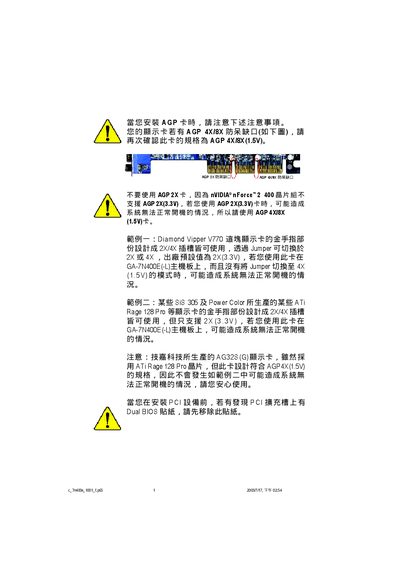
Only AGP 4X (1.5 V) cards are supported; AGP 2X (3.3 V) cards may prevent the system from booting.
Handle the CPU and RAM in anti‑static bags or on an anti‑static surface and avoid touching metal contacts.
The BIOS version is shown on the BIOS screen, for example version E2.