
64.5-inch LCD Display Monitor
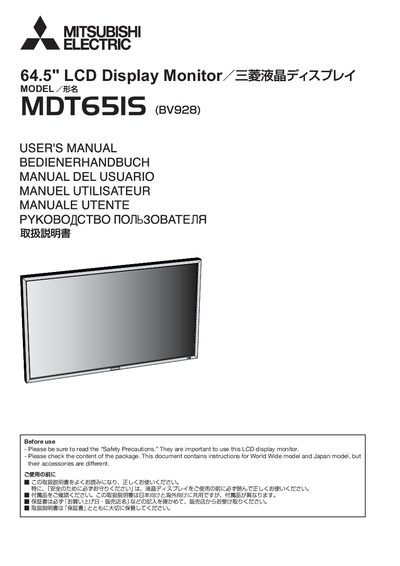
This manual covers all aspects of the Mitsubishi MDT6518S 64.5" LCD monitor, including safety precautions, installation steps, wiring diagrams, and detailed operation of the on‑screen display (OSD) and remote control. It also describes optional accessories such as speakers and the wireless remote, and provides troubleshooting guidance.
Key features highlighted are the high brightness of 700 cd/m², a contrast ratio of 2500:1, 6‑axis color adjustment, picture‑in‑picture functions, and the ability to daisy‑chain up to five monitors using CATS5 cable. Power‑on delay, ambient‑light brightness compensation, and programmable scheduling are also explained.
| Display size | 64.5 inches |
|---|---|
| Brightness | 700 cd/m² |
| Contrast ratio | 2500:1 |
| Native resolution | 1920 × 1080 |
| Maximum daisy‑chain monitors | 5 |
| Power‑on delay range | 2‑50 seconds |
The monitor provides a maximum brightness of 700 cd/m².
Up to five monitors can be connected in a daisy‑chain using a CATS5 cable.
The power‑on delay can be set between 2 and 50 seconds.
The native resolution is 1920 × 1080 pixels.