
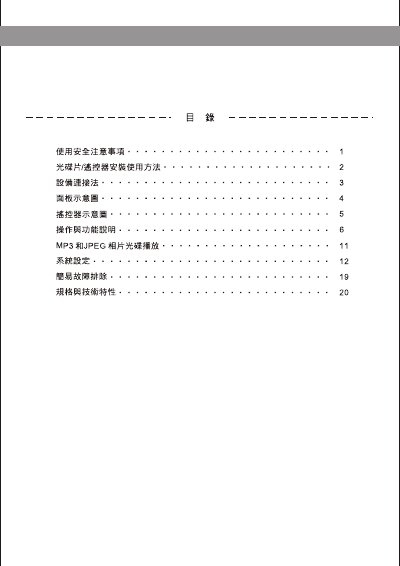
This manual begins with safety precautions and preparation steps, covering power handling, battery replacement, and cleaning of the optical disc. It also lists the supported disc formats and explains how to connect the unit to audio‑video equipment.
The later sections describe the front‑panel functions, remote‑control keys, playback modes (title, sequential, programmed), fast‑forward/rewind speeds, and troubleshooting tips for common video or audio issues. This manual is written in Chinese.
| Model | KVD-799SK |
|---|---|
| Supported disc formats | DVD, VCD, CD, SVCD, CD‑R, CD‑RW, DVD‑R, DVD‑RW |
| Video output resolution | 1250 lines |
| Audio frequency response | 96 kHz: 4 Hz‑44 kHz ±1 dB |
| Power consumption | 25 W |
| Dimensions (W×H×D) | 430 mm × 38 mm × 240 mm |
| Weight | 3.0 kg |
| Power supply | 110 V / 60 Hz |
The player supports DVD, VCD, CD, SVCD, CD‑R, CD‑RW, DVD‑R and DVD‑RW discs.
Press the power key, then disconnect the power cord; in case of an emergency, immediately cut off the power supply.
Use a dry cloth to wipe the disc from the center outward; avoid solvents, gasoline, or abrasive cleaners.