
Client Manager 3 is a software tool that can help you connect your computer to a wireless network and set up security encryption.
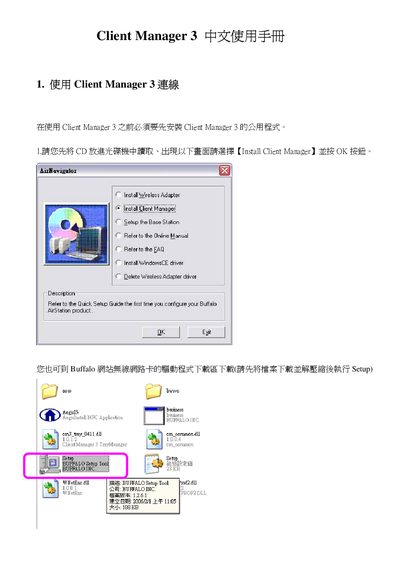
This guide explains how to install Buffalo Client Manager 3 on a Windows PC. It walks you through closing running applications, running the installer, accepting the software license agreement, and completing the installation to the default folder.
After installation, the guide describes how to use the program to scan for AirStation devices, create and manage profiles, enable encryption (WPA‑PSK AES), and perform the One‑Touch Secure System (AOSS) setup by pressing the AirStation AOSS button and following the on‑screen progress indicators.
| Encryption type | AES |
|---|---|
| Connection speed | 4.0 Mbps |
| Adapter model | WLI-U2-KG54 |
Close all open applications, run the Buffalo Client Manager 3 installer, accept the license agreement, and follow the prompts to complete the installation.