
This manual provides information on Philips LCD Monitor safety measures, repairs, installation locations, common problems, troubleshooting, relevant regulations, etc.
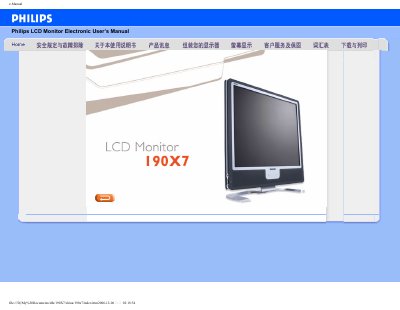
This electronic user manual provides safety guidelines, installation instructions, and detailed troubleshooting information for the Philips 190X7 LCD monitor. It includes FAQs, product specifications, and guidance on adjusting screen settings and using built‑in features such as USB ports and speakers.
The document also explains compliance with safety standards, describes the SmartImage Lite technology, and offers download links for drivers and the FP Adjust calibration program. This manual is written in Chinese.
| Screen size | 19 inches |
|---|---|
| Native resolution | 1280 × 1024 @ 60 Hz |
| Inputs | VGA (analog) and DVI‑D (digital) |
| HDCP support | Supported on DVI‑D input |
| USB port | USB 2.0 for peripheral connection |
| Built‑in speaker | Integrated speaker for multimedia |
| SmartImage Lite | Image‑enhancement technology |
Use a soft, lint‑free cloth for routine cleaning; for thorough cleaning, use isopropyl alcohol, avoiding other solvents such as ethanol or acetone.
Yes, the monitor has four standard VESA mounting holes that allow attachment to most VESA‑compatible arms or brackets.
Pressing the AUTO button restores optimal screen position, phase and sync pulse without using the OSD menu.