
This is the product manual for the Intel® D845EPI desktop card
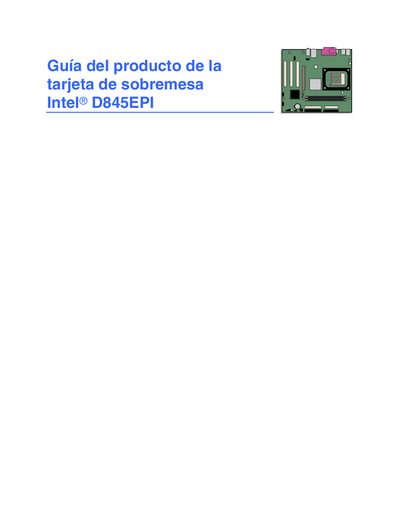
This user guide is intended for qualified technical personnel who need to install, configure, and maintain the Intel D845EPI desktop expansion card. It includes safety warnings, regulatory compliance details, and contact information for Intel support.
The document covers the card's key features, component installation and removal procedures, BIOS update methods, BIOS Setup menus, system resources, error indicators, and applicable safety and CEM regulations. It also lists the contents of the package and provides references for further technical information. This manual is written in Spanish.
| Form factor | MicroATX (9.2 × 8.2 in) |
|---|---|
| Supported processors | Intel® Pentium® 4 and Intel® Celeron® (mPGA‑478) |
| Memory | 2 DDR SDRAM DIMM slots, up to 2 GB, DDR333/266/200 MHz |
| Chipset | Intel® 845E (MCH 82845E, ICH4 82801DB) |
| LAN controller | Intel® 82562ET 10/100 Mbit/s RJ‑45 |
| USB ports | Maximum six USB 2.0 ports (4 rear, 2 internal) |
| Graphics connector | AGP 2.0, 1.5 V |
The card supports Microsoft Windows 98 SE, Windows Me, Windows 2000, and Windows XP.
It complies with FCC Class B, UL, CE, and Australian Communications Authority (ACA) certifications, meeting safety and CEM directives.