
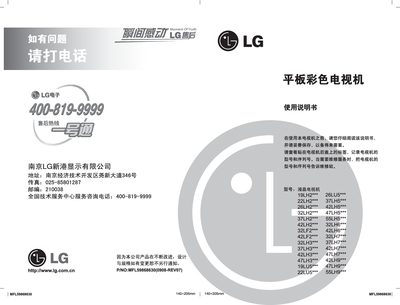
LG 19LH2 / 26LU5 / 22LH2 Flat Panel Color TV User Manual


LG 19LH2 / 26LU5 / 22LH2 Flat Panel Color TV User Manual - cover page
Brand
LG
Category
Television
Document type
User Manual
Language
Chinese
Pages
70
File format
PDF
File size
11.3 MB
Published
22 March, 2012
Updated
29 September, 2023
MD5 checksum
3DF474BE20011999D8F14F1E050B83D9

About this manual

This LG user manual covers the flat panel color TV models listed on the cover, including 19LH2, 26LU5, and 22LH2. It begins with safety precautions and accessory information, then explains stand and wall-mount installation.

The contents also cover panel controls, external device connections, PC display settings, menu operation, USB functions, troubleshooting, and product specifications. This manual is written in Chinese.

What's inside

  • Important Precautions
  • Accessories
  • Stand Installation
  • Wall Mount Installation
  • Connecting External Equipment
  • PC Mode Display Settings
  • Menu Operations
  • Using USB
  • Troubleshooting
  • Product Specifications

Frequently asked questions

Which TV models are listed in the manual?

The cover lists multiple models, including 19LH2 and 26LU5.

Can I repair the TV myself?

No. Do not disassemble, repair, or adjust the TV yourself.

What should I do if water enters the TV?

Immediately disconnect the main power.

Download PDF (11.3 MB)

More LG Manuals


View all LG manuals →