
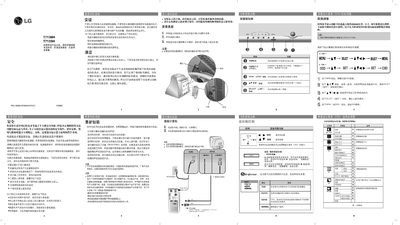
This document covers the LG T713BH and T713SH displays. It gives safety precautions for power, placement, cleaning, repackaging, and explains degaussing sounds and picture movement at startup.
It describes installing the base, connecting the display to a computer, and using the front panel controls. It also explains OSD adjustments for brightness, contrast, position, size, shape, color, and language. This manual is written in Chinese.
The display starts degaussing at power-on; the relay switches briefly, which can cause a slight sound and picture movement.
Turn off the display before cleaning, then wipe dust from the screen and panel with a soft, clean cloth.
Turn off the display, computer, and other peripherals before installing the LG T713BH/T713SH.
Align the base hooks with the matching holes on the display, insert them, then move the base toward the screen until it locks.