
InoTouch Editor Programming Software Installation and Usage Manual, introduces the software's functions, installation, use, programming, etc.
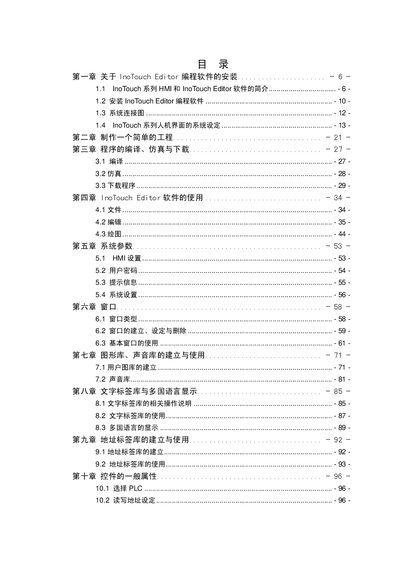
This guide provides step‑by‑step instructions for installing the InoTouch Editor programming software, configuring system connections, and preparing HMI projects. It covers the software’s features, supported hardware, and communication options.
Key sections include installation procedures, system and network configuration, HMI screen creation, control properties, data handling, MODBUS server setup, and macro instructions. The document also details safety settings, data acquisition, and event logging for industrial HMI applications. This manual is written in Chinese.
| Color depth | 65536 colors |
|---|---|
| Supported image formats | BMP, JPG, GIF |
| Supported communication interfaces | USB, Ethernet, MODBUS |
It supports 65536 true‑color colors.
BMP, JPG and GIF formats are supported.
The software can communicate via USB, Ethernet and MODBUS.