
This document introduces the features of LCD monitors, including high brightness, lightweight, fast response time, stereo speakers, power saving function, etc. It also mentions the convenience of plug and play and safety precautions.
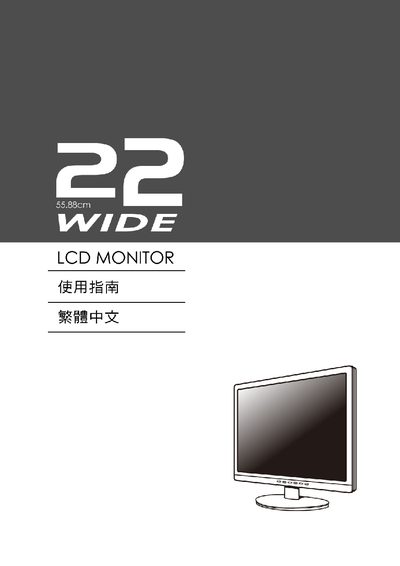
This manual provides instructions for setting up and operating a 22‑inch wide LCD monitor. It includes details on VESA plug‑and‑play compatibility, Energy Star certification, and on‑screen display (OSD) functions such as brightness, contrast, sharpness and position adjustments.
Key features covered are the monitor's display data channel (DDC), extended display identification data (EDID), and supported resolutions. The guide also lists warranty and safety information.
| Energy Star | 48% |
|---|---|
| VESA Plug and Play | Supported |
| Display Data Channel | DDC |
| Extended Display Identification Data | EDID |
| Resolution | 1680x1050 |
The monitor supports a resolution of 1680x1050.
Yes, the monitor is VESA Plug and Play compatible.
Yes, it is Energy Star certified with a 48% rating.