
Key facts
- Manuals
- 5
- Categories
- 1
- Languages
- EN · ZH
- Last added
- 2012-03-21
Featured 22 manuals
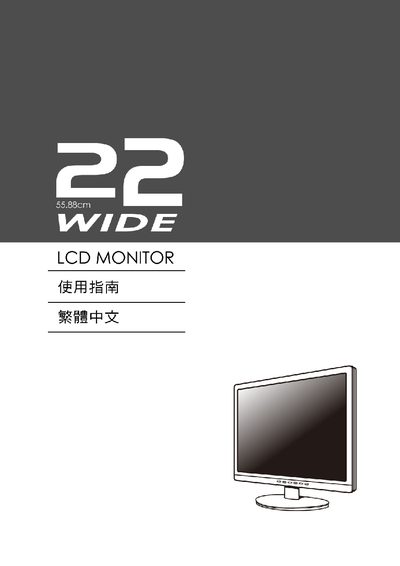
22" Wide LCD Monitor User Manual
This manual provides instructions for setting up and operating a 22‑inch wide LCD monitor. It includes details on VESA plug‑and‑play compatibility, Energy Star certification, and on‑screen display (OSD) functions such as brightness, contrast, sharpness and position adjustments.
Key features covered are the monitor's display data channel (DDC), extended display identification data (EDID), and supported resolutions. The guide also lists warranty and safety information.
Covers: Brief · OSD Controls · Brightness · Contrast · Sharpness · Position
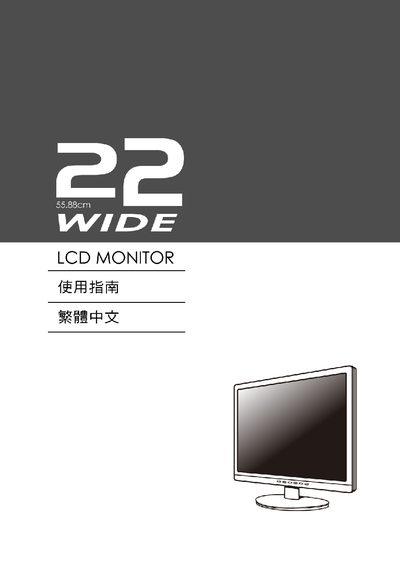
Kensington 22 LCD Monitor User Manual
This manual covers the basic installation and connection of the Kensington 22‑inch widescreen LCD monitor, including VESA mounting and power setup. It also explains how to navigate the On‑Screen Display (OSD) menu to adjust picture settings such as brightness, contrast, sharpness, phase and position.
Additional sections describe the monitor’s specifications, supported resolutions, and troubleshooting tips for common issues. Reference tables list the supported graphics cards and drivers, and safety information is provided throughout the document.
Covers: Introduction · Installation and VESA Mounting · Connecting the Monitor · On‑Screen Display (OSD) Menu · Brightness, Contrast, and Sharpness Settings · Phase and Position Adjustments
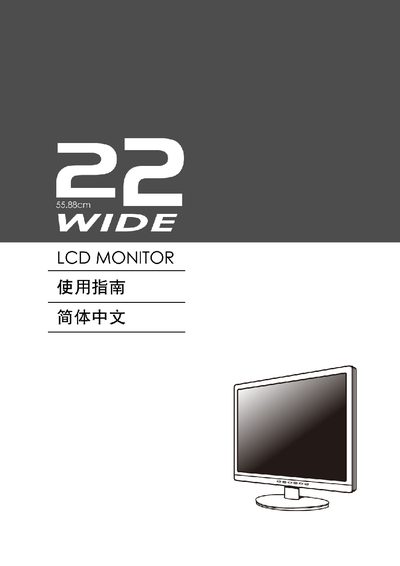
22 Wide LCD Monitor User Manual
This manual provides instructions for operating a 22‑inch LCD monitor. It explains how to use the On‑Screen Display (OSD) menu to adjust brightness, contrast, sharpness, clock, and position settings, and describes the available input options and VESA mounting specifications.
The document also lists the monitor’s key specifications, such as its native resolution of 1680 × 1050, Energy Star compliance, and recommended graphics driver sources (Nvidia, Intel, ATI). Troubleshooting tips and basic setup steps are included to help users get the display up and running quickly.
Covers: On‑Screen Display (OSD) Settings · Brightness and Contrast Adjustment · Resolution and Aspect Ratio · VESA Mounting · Energy Star Compliance · Troubleshooting
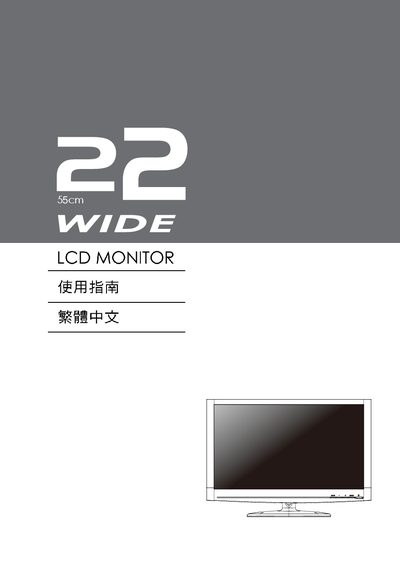
55cm LCD Monitor User Manual
This manual provides detailed instructions for setting up and using a 55 cm LCD monitor. It includes safety warnings, power‑saving features, plug‑and‑play configuration, and step‑by‑step guidance for installation, screen adjustment, and OSD menu navigation.
Additional sections cover common questions, troubleshooting tips for no‑signal or image issues, and recommended maintenance procedures to keep the display in optimal condition. This manual is written in Chinese.
Covers: 功能 · 省電裝置 · 即插即用 · 安全注意 · 一般問題 · 設定您的 LCD顯示器
Latest 22 manuals
22" Wide LCD Monitor User Manual
User Manual 12 pages · 651 KB · ENUser manual for a 22‑inch wide LCD monitor covering installation, OSD controls and specifications.
Kensington 22 LCD Monitor User Manual
User Manual 12 pages · 1017 KB · ENThe Kensington 22 LCD Monitor User Manual provides setup, operation, and OSD instructions for the 22‑inch widescreen display.
22 Wide LCD Monitor User Manual
User Manual 12 pages · 1 MB · ENUser manual for a 22‑inch LCD monitor covering OSD settings, specifications, and basic operation.
22 Wide TFT-LCD MONITOR Guide
55cm LCD Monitor User Manual
User Manual 12 pages · 1.1 MB · ZHChinese user manual for a 55 cm LCD monitor covering safety, installation, OSD controls, troubleshooting and maintenance.
Which document do I need?
User Manual
Day-to-day operation, settings and troubleshooting. Start here if the product is already set up.
Questions answered in 22 manuals
What is the monitor's resolution?
The monitor supports a resolution of 1680x1050.
Does the monitor support VESA Plug and Play?
Yes, the monitor is VESA Plug and Play compatible.
How do I adjust the brightness on the monitor?
Use the OSD menu to locate the Brightness setting and increase or decrease it as needed.
What is the native resolution of the Kensington 22 monitor?
The monitor’s native resolution is 1680 × 1050 pixels.
What is the native resolution of the monitor?
The monitor’s native resolution is 1680 × 1050.
How can I adjust the brightness?
Use the OSD menu and select the Brightness setting to adjust the display brightness.