
This document is about the user manual of SC digital DV. The DV has a 5 million pixel sensor and can shoot movies in H.264 format. It has high-quality image output and a color LCD monitor. It has various shooting effects and high-definition recording function. It can be connected to HDTV via HDMI cable and has the feature of uploading videos to YouTube. It has the functions of automatic and manual adjustment of ISO sensitivity and color balance.
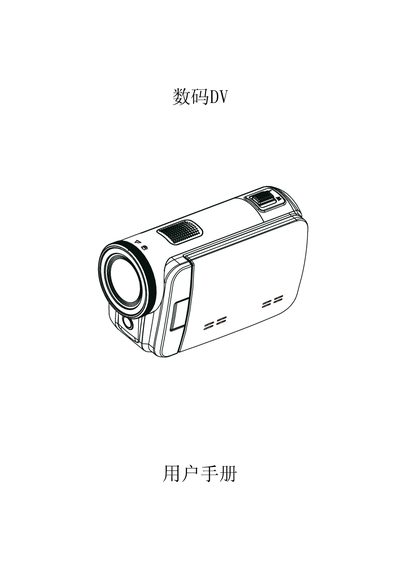
The manual introduces the digital DV camera, its 5‑megapixel sensor, H.264 video recording, 3‑inch touch LCD, 4× optical zoom, and built‑in YouTube upload feature. It lists the supplied accessories such as USB cable, HDMI cable, AC charger, and a quick‑start guide.
Operating instructions cover viewing photos and videos on a TV or PC, converting recordings to DVD, using the mode and playback keys, and managing memory via SD cards. The troubleshooting section provides solutions for blurry LCD images, SD card errors, and charging status. This manual is written in Chinese.
| Video format | H.264 |
|---|---|
| USB interface | Mini USB 2.0 |
Select the record mode, then press the YouTube button on the camera; the built‑in YouTube function uploads the recorded video directly to your account.
Switch to the close‑up (macro) mode or adjust the focus using the focus control; this restores a clear image on the LCD.