
Key facts
- Manuals
- 1
- Languages
- ZH
- Last added
- 2012-03-21
Featured 数码 manuals
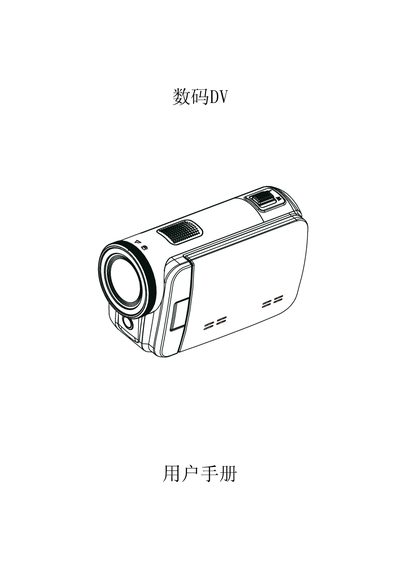
Digital DV User Manual
The manual introduces the digital DV camera, its 5‑megapixel sensor, H.264 video recording, 3‑inch touch LCD, 4× optical zoom, and built‑in YouTube upload feature. It lists the supplied accessories such as USB cable, HDMI cable, AC charger, and a quick‑start guide.
Operating instructions cover viewing photos and videos on a TV or PC, converting recordings to DVD, using the mode and playback keys, and managing memory via SD cards. The troubleshooting section provides solutions for blurry LCD images, SD card errors, and charging status. This manual is written in Chinese.
Covers: Understanding the DV · Playback Mode · Viewing Photos and Videos on TV · Viewing Photos and Videos on PC · Converting Video to DVD · Uploading to YouTube
Latest 数码 manuals
Digital DV User Manual
User Manual 45 pages · 5.9 MB · ZHUser manual with setup, operation, and troubleshooting instructions for the digital DV camera.
Which document do I need?
User Manual
Day-to-day operation, settings and troubleshooting. Start here if the product is already set up.
Questions answered in 数码 manuals
How can I upload videos to YouTube?
Select the record mode, then press the YouTube button on the camera; the built‑in YouTube function uploads the recorded video directly to your account.
From: Digital DV User Manual
What should I do if the LCD image is blurry?
Switch to the close‑up (macro) mode or adjust the focus using the focus control; this restores a clear image on the LCD.
From: Digital DV User Manual