
This document is a quick guide for ZTE-T U280 TD-SCDMA/HSDPA/GSM/EDGE dual-mode mobile phone released by ZTE Corporation. The document provides information such as the product's address, contact information, technical support website, and warranty regulations.
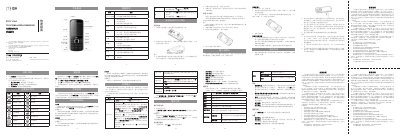
The guide walks users through the basic operations of the ZTE‑T U280, including battery installation, SIM and storage‑card insertion, charging, and using core functions such as calls, messaging, and multimedia. It also details the phone’s supported network modes and how to navigate the menu system.
Safety precautions, warranty terms, and service‑center contact information are included, along with environmental and regulatory notices. The document is intended for end‑users to get the device up and running quickly and safely. This manual is written in Chinese.
| Supported networks | TD‑SCDMA, HSDPA, GSM, EDGE |
|---|---|
| Maximum storage card size | 4 GB |
| Battery type | Lithium‑ion |
| Charging time | 2–3 hours |
Insert the battery into the slot with the metal contacts first, then close the back cover.
Connect the charger to the right‑side charging port; a full charge normally takes 2–3 hours.
The 8‑digit PUK code unlocks the PIN after it has been entered incorrectly ten times; contact your carrier for a new code.
Power off the phone, remove the back cover and battery, then insert the SIM with the metal side down before re‑assembling.