
ViewSonic ViewMate Optical Mouse MC202 MC202P User Manual

ViewSonic ViewMate Optical Mouse MC202 is a PS/2 and USB optical mouse that is compatible with Windows 95/98/Me/2000/XP and Windows NT4.0.
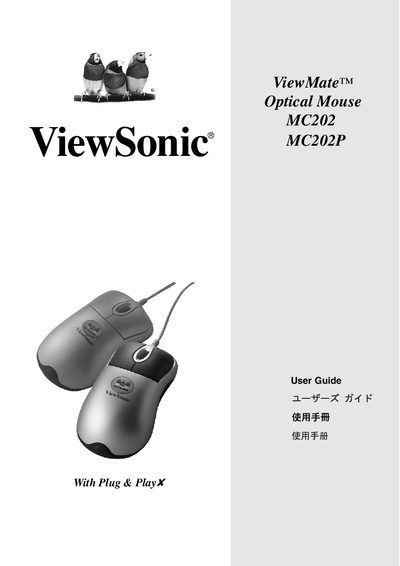

ViewSonic ViewMate Optical Mouse MC202 MC202P User Manual - cover page
Brand
ViewMate™
Category
Other Computer Accessories
Document type
User Manual
Language
English
Pages
8
File format
PDF
File size
441 KB
Published
21 March, 2012
Updated
30 September, 2023
MD5 checksum
5D7FA3D881A801BA1AD061358B4CA5F4

About this manual

This user guide explains how to install and use the ViewSonic ViewMate Optical Mouse MC202 and MC202P. It covers connecting the mouse via USB or PS/2, using the Windows Add New Hardware Wizard, and uninstalling the device. The guide also includes system requirements and compatibility with Windows 95/98/Me/2000/XP and NT4.0.

What's inside

  • Installation
  • Connection
  • Uninstallation
  • System Requirements
  • Windows Setup Wizard

Frequently asked questions

What is the model name of the mouse?

ViewSonic ViewMate Optical Mouse MC202 MC202P.

What operating systems is this mouse compatible with?

Microsoft Windows 95/98/Me/2000/XP and Windows NT4.0.

What type of connection does the mouse use?

It uses a PS/2 or USB connection.

What is the minimum processor requirement?

A Pentium 133 processor.

Download PDF (441 KB)