
Key facts
- Manuals
- 1
- Languages
- EN
- Last added
- 2012-03-21
Featured ViewMate™ manuals
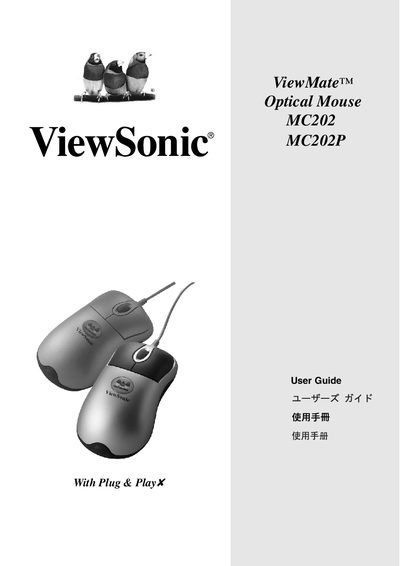
ViewMate Optical Mouse MC202 MC202P Manual
The ViewSonic MC202 Optical Mouse is a USB or PS/2 optical mouse that comes with a driver floppy disk. It supports Microsoft Windows 95/98/Me/2000/XP and Windows NT4.0 or later, and requires a PC with a Pentium 133 MHz processor (or higher), at least 32 MB RAM, a USB or PS/2 port, and a floppy drive.
This guide explains how to install the mouse using either the USB or PS/2 adapter, how to add optional special‑program functions, safety recommendations for prolonged use, product registration, technical support contacts, FCC compliance information, and the limited warranty terms.
Covers: Product Registration · System Requirements · Human Safety Precautions · Standard Mouse Functions · Installation Using USB · Installation Using PS/2 Adapter
Latest ViewMate™ manuals
ViewMate Optical Mouse MC202 MC202P Manual
User Manual 8 pages · 441 KB · ENThe ViewSonic MC202 Optical Mouse User Guide provides setup, driver installation, safety tips, and warranty information.
Which document do I need?
User Manual
Day-to-day operation, settings and troubleshooting. Start here if the product is already set up.