
This manual explains how to use the Canon L120 fax machine. The fax machine has basic fax functions, printing functions, report functions and list functions.
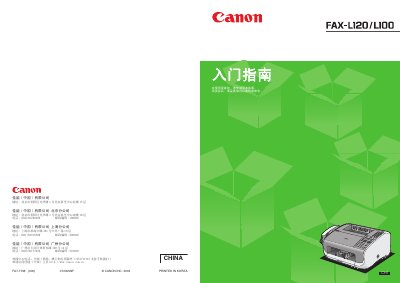
This guide explains how to install, configure, and use the Canon FAX‑L120/L100 fax machine. It covers unpacking, installing the ink cartridge, loading paper, connecting telephone and power lines, and setting up sender information and receive modes.\n\nThe manual also includes important safety warnings, laser classification details, and driver installation steps for the L120 model, helping users operate the device safely and efficiently. This manual is written in Chinese.
| Model number | F147400 (FAX‑L120/L100) |
|---|---|
| Operating voltage | 200‑240 V |
| Laser classification | Class 1 |