
Key facts
- Manuals
- 2
- Categories
- 1
- Languages
- ZH
- Last added
- 2012-03-21
Featured anon manuals
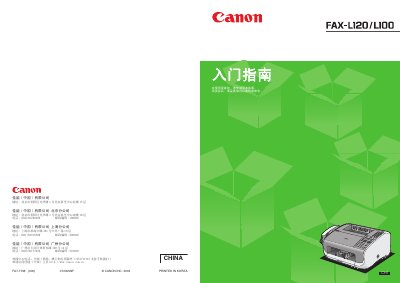
Canon FAX-L120/L100 User Manual
This guide explains how to install, configure, and use the Canon FAX‑L120/L100 fax machine. It covers unpacking, installing the ink cartridge, loading paper, connecting telephone and power lines, and setting up sender information and receive modes.\n\nThe manual also includes important safety warnings, laser classification details, and driver installation steps for the L120 model, helping users operate the device safely and efficiently. This manual is written in Chinese.
Covers: Installation of Fax Machine · Installing Ink Cartridge · Loading Paper · Connecting Telephone Line and Handset · Connecting Power Cable · Sending Fax Settings
Canon IXUS 800 IS Camera User Guide
This guide provides detailed explanations of the camera's functions and how to operate them, including shooting modes, playback, printing, and custom settings. It also includes safety notices and warranty information.
The manual covers topics such as using IS mode to reduce blur, printing via the Print/Share button, and troubleshooting common issues. It lists all menu items, shooting options, and accessory usage recommendations. This manual is written in Chinese.
Covers: 使用流量显示屏 · 使用取景器 · 指示灯 · 省忆功能 · 发定世界时短 · 选单清单
Latest anon manuals
Canon FAX-L120/L100 User Manual
User Manual 12 pages · 1.6 MB · ZHThe Canon FAX-L120/L100 User Manual provides setup, operation, and safety instructions for the fax machine.
Canon IXUS 800 IS Camera User Guide
User Manual 139 pages · 7.4 MB · ZHThe Canon IXUS 800 IS Camera User Guide explains features, operation steps, and troubleshooting for this digital camera.
Which document do I need?
User Manual
Day-to-day operation, settings and troubleshooting. Start here if the product is already set up.
Questions answered in anon manuals
How can I reduce image blur when shooting?
Use IS mode, which reduces image blur.
How do I print or share photos from the camera?
Press the Print/Share button to easily transfer images for printing or sharing.