
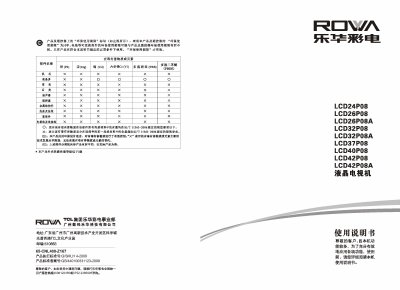
This user manual covers ROWA LCD televisions listed on the cover, including LCD42P08A. It explains the TV and PC display functions, supplied accessories, safety warnings, front and rear connections, and remote control keys.
It also describes basic operations and menu functions for image, sound, advanced, system, TV, and PC settings. The manual includes technical specifications, supported signal modes, and troubleshooting. This manual is written in Chinese.
| Color temperature options | Three selectable color temperatures |
|---|---|
| Sound modes | Four selectable sound modes |
| Supported TV modes | SDTV and HDTV modes: 480ip, 576i/p, 720p, 1080ip |
| No-signal standby | Automatic standby after 15 minutes with no signal |
| Remote control batteries | Two 7-size batteries |
The listed accessories are two batteries, one remote control, and the manual, warranty card, certificate, and related documents.
Press the Menu key on the remote control or on the TV panel to open the main on-screen menu.
Press the number keys on the remote control.
The remote control uses two 7-size batteries, inserted according to the polarity marks in the battery compartment.