
This document is a user manual for the S-611 recording pen. It provides information about the appearance, functions, battery device, operation instructions, and tool installation of the product.
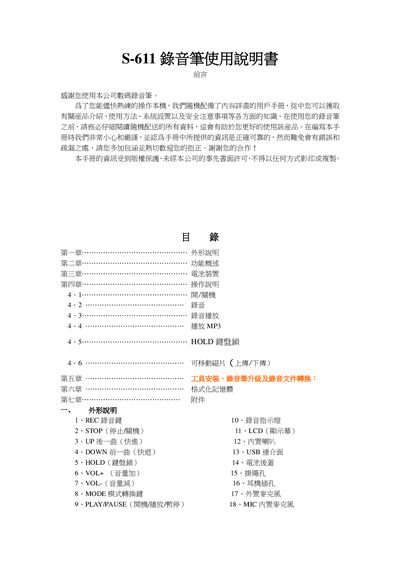
This guide explains how to use the S-611 voice recorder, covering its appearance, main functions such as recording, playback, MP3 support, VOX, and various sound modes. It also details safety notices and copyright information.
Key sections include battery installation and replacement, operation controls (POWER, REC, PLAY/PAUSE, MODE, VOL, HOLD), USB connection for file transfer, memory formatting, and accessory usage. The manual ends with a list of included accessories and troubleshooting tips. This manual is written in Japanese.
| Memory capacity | 2 GB – 8 GB |
|---|---|
| Recording time (00/SP) | 480 minutes (2 GB) – 3840 minutes (8 GB) |
| Battery type | Replaceable AA batteries (direction indicated) |
Press the PLAY key for about 2 seconds after powering on; the device will start in standby mode.
Connect the recorder via USB, select the USB mode, and use the computer to format the storage as FAT32; the device will then be ready for new recordings.