
Key facts
- Manuals
- 1
- Languages
- JA
- Last added
- 2012-03-21
Featured S-611 manuals
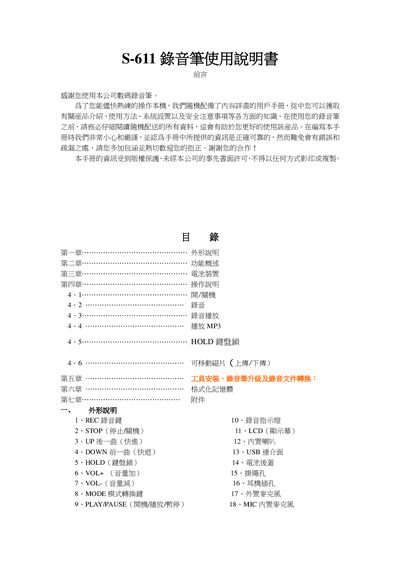
S-611 Voice Recorder User Manual
This guide explains how to use the S-611 voice recorder, covering its appearance, main functions such as recording, playback, MP3 support, VOX, and various sound modes. It also details safety notices and copyright information.
Key sections include battery installation and replacement, operation controls (POWER, REC, PLAY/PAUSE, MODE, VOL, HOLD), USB connection for file transfer, memory formatting, and accessory usage. The manual ends with a list of included accessories and troubleshooting tips. This manual is written in Japanese.
Covers: 外形説明 (Appearance) · 機能概導 (Function Overview) · 電池 (Battery) · 操作説明 (Operation) · USB 接続とデータ転送 (USB Connection and Data Transfer) · メモリ容量と録音時間 (Memory Capacity and Recording Time)
Latest S-611 manuals
S-611 Voice Recorder User Manual
User Manual 10 pages · 479 KB · JAThe manual provides operation instructions, battery handling, recording/playback functions, and specifications for the S-611 voice recorder.
Which document do I need?
User Manual
Day-to-day operation, settings and troubleshooting. Start here if the product is already set up.
Questions answered in S-611 manuals
How do I turn on the S-611 recorder?
Press the PLAY key for about 2 seconds after powering on; the device will start in standby mode.
How do I format the memory card?
Connect the recorder via USB, select the USB mode, and use the computer to format the storage as FAT32; the device will then be ready for new recordings.