
This document is a user guide manual for the portable digital audio player from DIASONIC TECHNOLOGY Co. It provides safety instructions for the product and warns against making unauthorized changes to the equipment. It also includes precautions and copyright information.
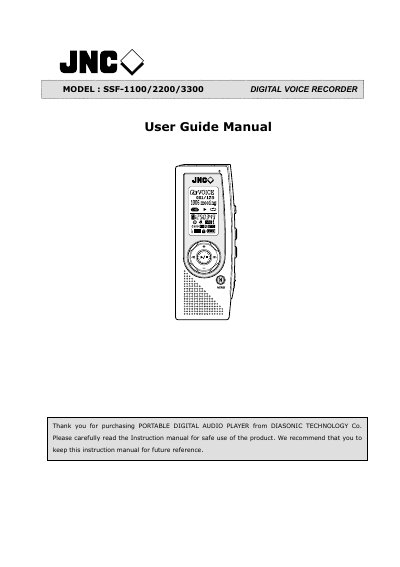
This manual explains how to operate the DIASONIC SSF-1100/2200/3300 digital voice recorder, covering safety precautions, battery handling, and basic functions such as recording, playback, and file management. It also includes information on firmware upgrades, PC/Mac connectivity, and warranty.
Key sections describe the recorder’s recording modes, button functions, storage capacity, and optional features like ID3 tag support, multi‑language interface, and EQ presets. Users will find step‑by‑step guidance for connecting external devices, managing folders, and using the built‑in alarm and timer functions.
| Maximum recording time | Up to 16,960 minutes (≈13 hrs per charge) |
|---|---|
| Battery type | 2 AAA LR03 |
| Internal storage capacity | Up to 1 GB (128 files per folder) |
The recorder is powered by two AAA LR03 batteries.
No, the recorder works as a standard mass‑storage device; a driver is only required for Windows 98SE.
Yes, the device is compatible with both PC and Mac.