
Zeon PDF Driver Trial
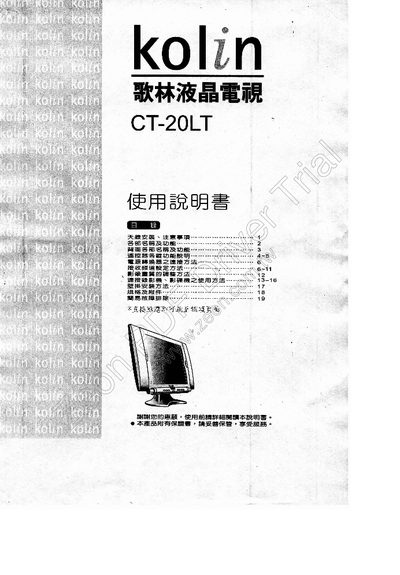
The Kolin CT-20LT LCD television manual provides detailed instructions on the front‑panel controls, remote‑control functions, and back‑panel connections. It includes safety warnings, power‑supply setup, and basic operation steps such as channel selection and audio mode switching.
Additional sections cover picture‑adjustment settings like backlight brightness, preset configurations, and a troubleshooting guide with common fault symptoms and checks. The specification sheet lists the TV’s dimensions, power requirements, and accessories. This manual is written in Chinese.
| Model | CT-20LT |
|---|---|
| Dimensions (W×H×D) | 628 mm × 460.5 mm × 222 mm |
| AC power input (for converter) | 110 V AC 60 Hz |
| DC internal power | 12 V DC |
| Remote control batteries | 2 × UM‑4 |
Insert the DC output plug of the supplied power‑converter into the TV’s DC power‑input terminal on the back, then connect the AC mains plug to the converter.
Press the preset button to open the preset menu, select the BackLight option, then use the adjustment keys to choose Normal, Brighten, or Darken.
Use the stereo/SAP selection key on the remote; each press cycles through Stereo, Mono, and SAP modes.